# How preorder campaigns work?
Preorder lets you sell products before they’re in stock. You control when the Preorder button appears based on product inventory.
This article explains the **3 main settings** for preorder campaigns and how they work.
#### 1️⃣ Show Preorder **When Product Is Out of Stock**
**Best for:** limited stock items or restocks in progress
**When the campaign is published**
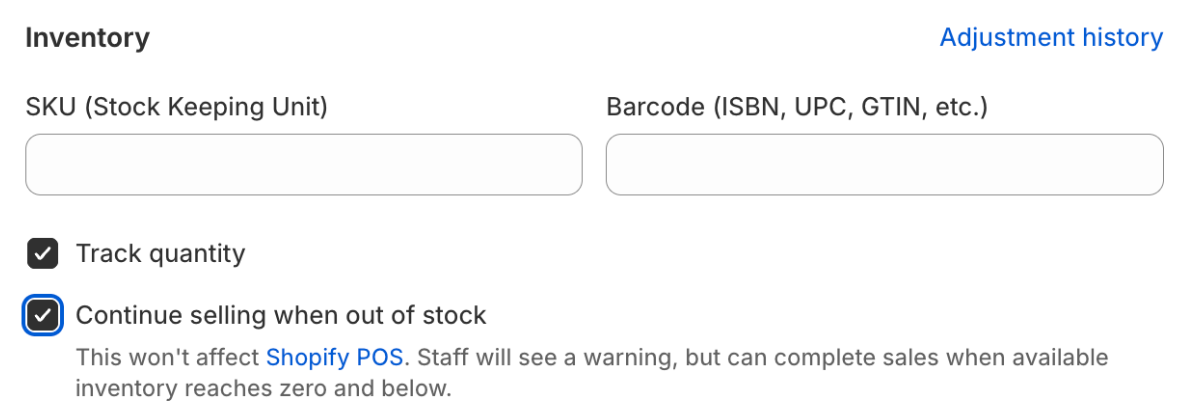
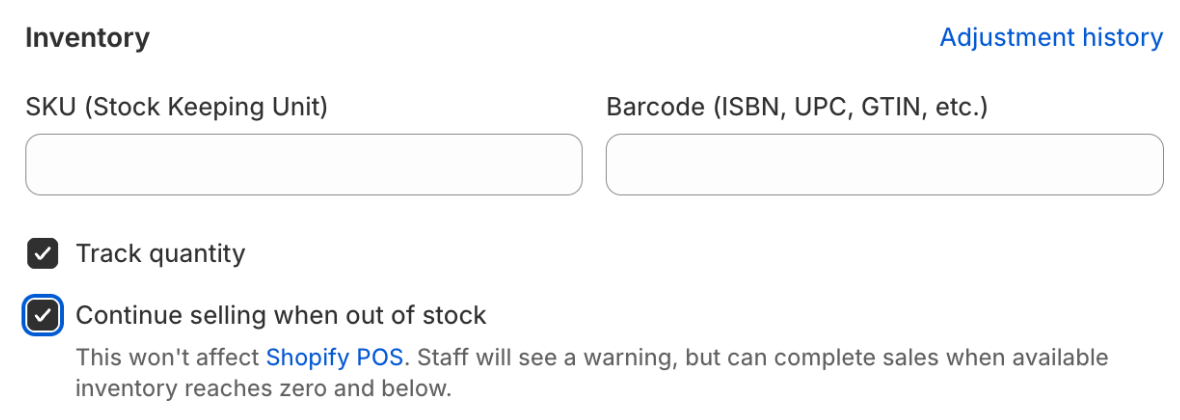
* ✅ Continue selling when out of stock → ON
* ✅ Track quantity → ON
**When the campaign is unpublished**
* ❌ Continue selling when out of stock → OFF
**What customers see**
* Preorder button appears when **stock = 0**
* When stock is added, the button switches back to **Add to Cart**
***
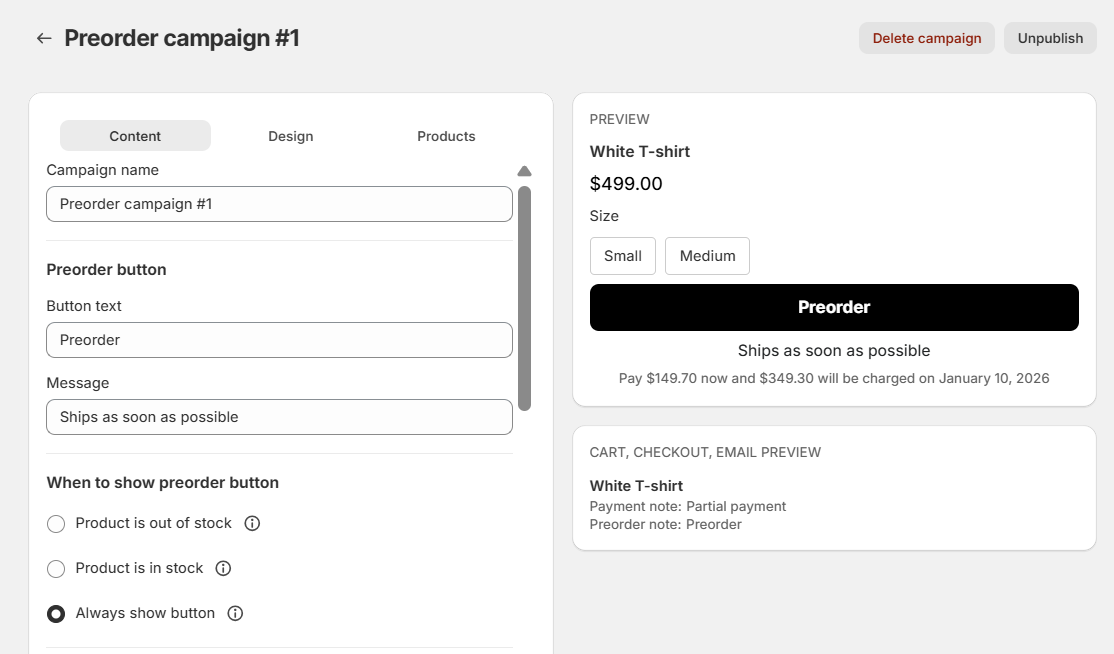
#### 2️⃣ Always Show Preorder
**Best for:** made-to-order products
**When the campaign is published**
* ✅ Continue selling when out of stock → ON
* ✅ Track quantity → ON
**When the campaign is unpublished**
* ❌ Continue selling when out of stock → OFF
**What customers see**
* Preorder button is **always visible**
* Stock level does not affect the button
***
#### 3️⃣ Show Preorder **When Product Is In Stock**
**Best for:** product launches or long shipping times
**When the campaign is published**
* ✅ Track quantity → ON
**When the campaign is unpublished or deleted**
* ✅ No Shopify settings are changed
**What customers see**
* Preorder button appears when **stock > 0**
* When stock runs out, the button changes to **Sold Out**
***
#### Quick Comparison
| Setting | When Preorder Button Shows | At 0 Stock |
| ------------------------------- | -------------------------- | ---------------- |
| Show Preorder When Out of Stock | Stock = 0 | Preorder appears |
| Always Show Preorder | Always | Preorder stays |
| Show Preorder When In Stock | Stock > 0 | Sold Out appears |
***
### 🎯 Which Option Should You Choose?
* **Show Preorder When Out of Stock**\
→ Keep selling between restocks
* **Always Show Preorder**\
→ Produce items after customers order
* **Show Preorder When In Stock**\
→ Build launch hype or set expectations for long delivery times